The portal only uses technically necessary, non-configurable cookies that are required for correct functioning.
The e-mail address is stored for login and authentication purposes.
Log In to the Portal
Log In:
To work with the Portal it is necessary to log in to the system with your own personal account connected to the company account.
The login screen is available at : https://portal.b4value.net/v3/#/Welcome on your web-browser.
You can also find an overview of how to log in to the portal in the following video:

Login to the Portal
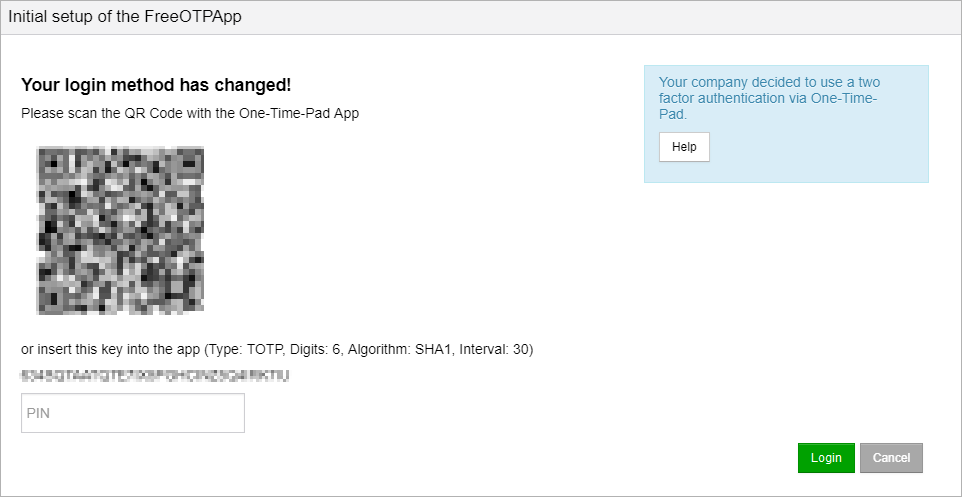
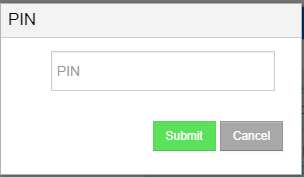
For information on setting up two-factor authentication using OTP is click here.
The Log In screen appears as shown below.
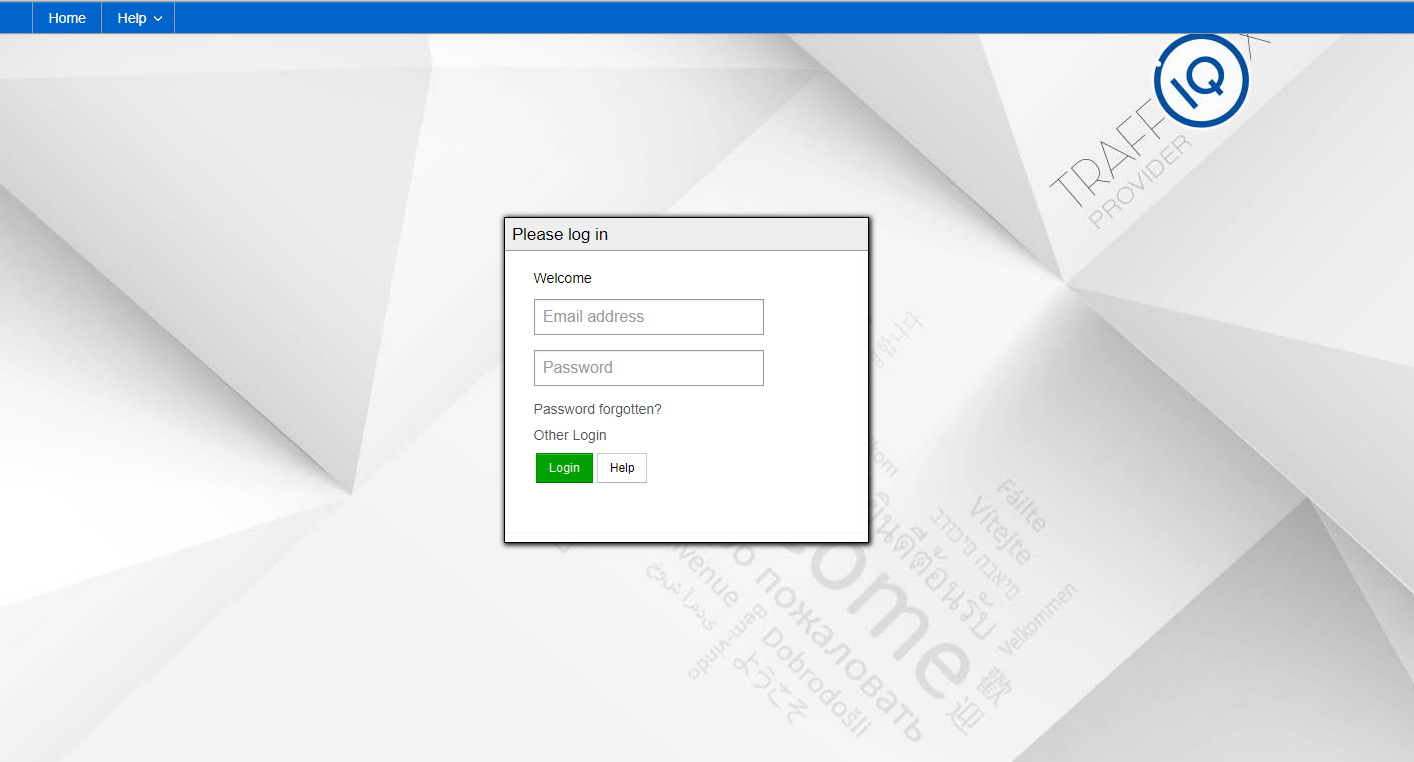
Please enter your email address in the field email address. It represents your user name in the Portal.
|
Enter your personal password corresponding to the user account in the field Password.
|
Click
|
Click
Alternatively, after entering the email address and password, you can also press the Enter key.
|
Click forgot password, if you forgot your password and want to receive a new one.
|
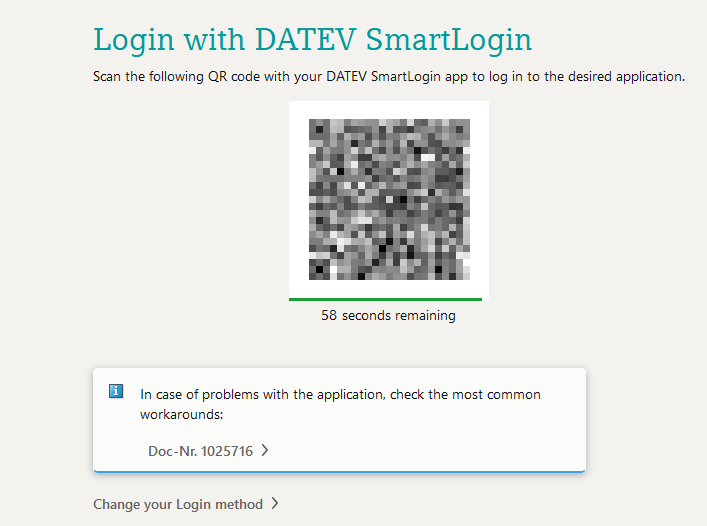
Click Other Log In to log in via e.g. DATEV SmartLogin.
|
 to find help or information about the registration process.
  , to log in to the Portal with the user account data entered.
Initial Log In
For security reasons, the initial Log In works a little different.Your company has three options for logging in users.

In the first step you will receive an email notification after creating your user account. This happens either during the user setup or through your Portal support or possibly also through your local company administrator.
The e-mail contains a one-time registration link for assigning an individual password. Click on the link or copy the link into the address line of any browser. After executing the link your are redirected to the change password site.
Please observe the security rules and regulations for passwords in your company!
After successful change of password, you will automatically be returned to the Log In page.
Now you may Log in. |
Select a desired authentication variant:
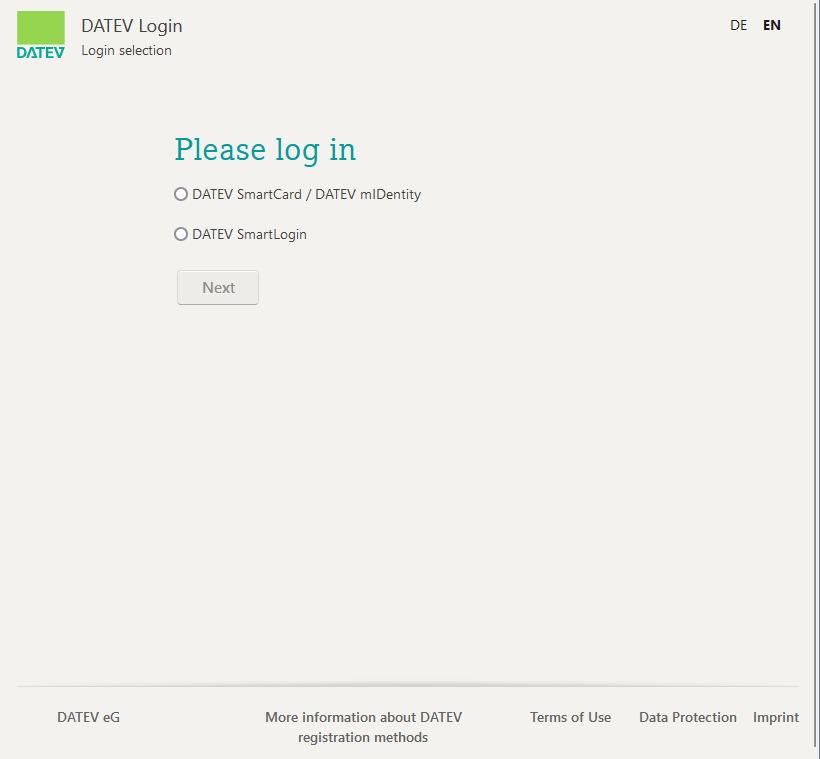
|
 .
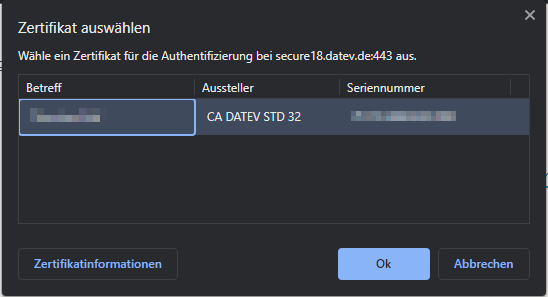
.
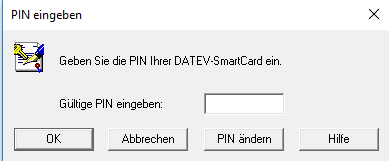
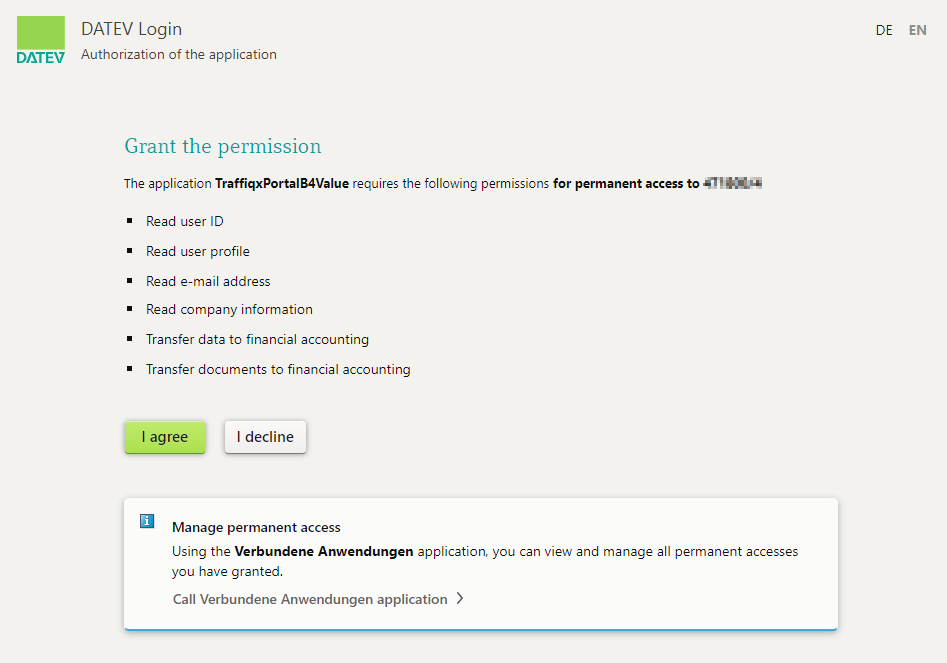
 to complete the authentication and successfully connect to DATEV Unternehmen online. You will automatically return to the portal.